-
Bear Version: 2.6.3
-
OS Version: Tahoe 26.0.1
-
What were you doing: Launching and Quitting
-
What feature did you use: App Icon in Settings
-
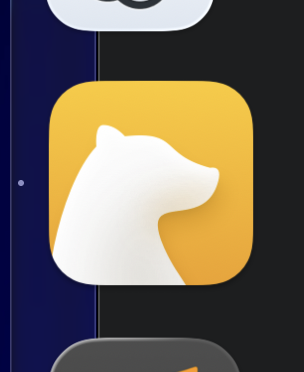
What happened: I changed the icon and widget style in the appearance pane in system settings in Tahoe to Always Dark. I have the Cedar icon selected in Bear. When the app is running, this is the icon I see in the dock:
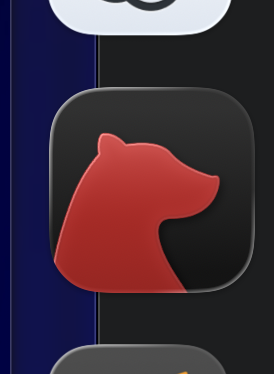
When I quit Bear, I see this icon: -
What did you expect to happen: I expected the icon to look like its iOS counterpart in the Dock when active or when quit. This persists after a restart.

Hello!
Unfortunately, macOS doesn’t allow apps to keep a custom icon when they’re not running 
So if you quit Bear, macOS will revert to the default light or dark version automatically.
We’d love to keep your chosen custom icon active even when the app is closed, but that’s not something Apple currently allows.
 perhaps the Bear development team could take a look at how ChatGPT implements permanent icon replacement. ChatGPT icon → Codex icon