Dear Bear Team, could you kindly let us know whether you are still working on a solution for a fixed fourth column? Or on an alternative to the permanent display of backlinks?
3 Likes
Need
Fourth
Column

1 Like
This would be nice, imho
Still hoping for the 4th column (or better, a way to see backlinks at the bottom of the document)  please give us the option!
The way backlinks are currently implemented, I tend not to realize if a document has any, as it’s too many clicks away.
Loving this, and would love to see it implemented. Hopefully that’s coming (that post being over 2 years old now) 
Just started using bear a few weeks ago and the biggest thing I am missing is a 4th column that can be toggled to always show with TOC or Backlinks. I do not like the floating panel, does not work for my use case either.
5 Likes
At the risk of sounding presumptuous, I believe I could have found a satisfactory solution with regard to the UI. If this is not the case, as is likely, I’m sure you’ll throw the concept back in my face. I once posted a video of the Ulysses app in one of my topics more than 3 years ago, which actually provided the solution. Unfortunately, the crucial moment was not visible.
Before I list the advantages of this solution and then move on to the video, one thing needs to be said: sensibly, this solution requires an option, which is a sin in the bear cosmos. The option is for users to decide whether they want the pop-up or the fourth pane. It’s not such a big sin, because it prevents the pop-up from being displayed one time and the fourth pane another time. This saves users from surprises and developers from headaches about what should be displayed in which situation and according to which criteria.
The advantages of the solution
-
Thanks to the option, only those who want to use the fourth pane need to do so. Those who prefer the undoubtedly chic and nifty pop-up can keep it. No one will be surprised or annoyed by the other form of implementation.
-
Bear would never display more than 3 panes at same time, even though it has 4 panes. This makes defining a threshold unnecessary. This threshold would only have ensured that either the pop-up or the pane would have been displayed, depending on the situation. But not knowing in each situation what will happen when I press the “information” button is, in my opinion, poor UX.
-
I believe that the solution is simple and intuitive
Here is the video at last. The first 10 seconds show how the swipes are working. The rest of the video presents how the button for the info pane as 4th pane could work.
8 Likes
Well, thank you for your effort, we love our passionate users. However, we are not thrilled by this solution. That said, we discuss the issue from time to time…
2 Likes
Are you able to elaborate a bit on the why? It’s hard to come up with potential solutions if we, the users, don’t know why a forth column (as a lot of other similar text apps have defaulted to) is not feasible seen with the Bear development team’s eyes.
2 Likes
We want Bear to be fast, clean, and uncluttered to be approachable for people who just want to take quick notes, but still have enough features to support more advanced usage. Many apps die a slow bloat death, adding features that, while useful for a few, make the app worse for everybody else. We would like to have a fourth column that is useful for the few that need it, while putting a minimal footprint on the app UI. We don’t think we have found that balance. This is highly subjective stuff, so we can see that you might not agree with us.
One way to help us is to describe how you are using the info panel, and why the current solution is insufficient for you (considering that the panel can be torn off and put on the side). If you have good examples from other apps, we could be interested in that as well.
2 Likes
It’s arguable that Ulysses is a good example of that design and philosophy. It is a writing app first and foremost which obfuscates a lot of powerful features to provide maximum space to the user’s words; if I may be so bold, Ulysses is to Scrivener what Bear is to Obsidian. I think our confusion here is that you state that you are open to discussing a fourth column, yet Ulysses’ implementation (which slides and disappears as needed) does not work for you: why is that, exactly?
As for the (my) use case: I don’t mind the detachable panel, but I really dislike about it is:
- It’s clunky to detach. The idea is to have it open easily. It can be accessed via keyboard shortcuts but then you have to detach it with the mouse (unless I miss another way) and that’s a hassle.
- It does not (as far as I can gather) update live depending on the note you’re in when having multiple windows open.
If you want to keep the current implementation, I think some quick fixes would go a long way:
- add a keyboard shortcut to detach the panel (apologies if it’s already there)
- Make it longer and possibly wider to accommodate more info
- Update in real time depending on the note being focussed
Hope this helps!
3 Likes
Most of the time, I actually use the pop-up. I suggested implementing an easily accessible option (e.g., in the menu bar) between the pop-up and the fourth pane so as not to lose the pop-up. In my opinion, it is a key distinguishing feature of Bear, just like the left sidebar. Only sometimes do I need a persistent view of the table of contents or backlinks when I quickly switch between different notes. These more rare moments are also the important ones. I think for most people, the popup becomes too cumbersome when it has to be used very often in a very short period of time. This is where the detachable popup panel comes into play. @KillerWhale has said everything that needs to be said about this.
But not only that, he may also have given a hint as to where it would be better to start. To be honest, a satisfactory solution is better than a half-baked one with 4 panes, which I subjectively never consider ideal, even on an iMac. That’s why I presented Ulysses, which has made an effort to display the 4 panes it has in such a way that no more than 3 are ever displayed at the same time. I haven’t seen a better solution anywhere else, apart from file/note browsers that don’t have note previews and fit everything into one pane, such as Obsidian and, in the future, Panda. But that’s another story.
Perhaps you at KillerWhales can come up with some constructive criticism and knit something around the detachable panel and multiple open windows. Bear would remain true to itself and could offer everything that would be necessary to no longer ask for a fourth pane.
In this context, I would like to add that displaying more than one detached popup does not make sense and only causes clutter and confusion anyway. Your idea of having a detached pop-up panel on different desktops when a bear window is open in them is, of course, a good one. But even then, the panel still displays the content of the main window, even when it is on a completely different desktop.
1 Like
Yep, I’m all for one single popup no matter how many windows or screens you have, and this updating real time as you focus different notes. That would make that panel like an inspector 
1 Like
Beyond the already mentioned advantages of adding a fourth column or a more complete info sheet, whether fixed or detachable, I believe it would be much more useful to have all the information gathered in a single view, rather than separated into tab sheets as is currently the case. Having everything at a glance makes it easier to understand the relationships with other notes (backlinks), the content (summary, etc.), and I would also include all the tags present in the note as a reference. This would significantly improve navigation and the discovery of other notes within the same cluster.
3 Likes
Hello! An alternative suggestion: have you considered just making the existing detachable popover a bit more flexible?
For example:
i) making it stick to the position it is assigned to, between reboots
ii) allowing us to resize the window, so that we can shape it however we like
7 Likes
What @GenuineSalad said is a great idea actually, it would be really useful to me.. I will add:
- Once detached, bear would always respect that it is detached no matter if I close the app, it crashes, or whatever. It would stay detached until you close it and it comes back to the info button.
- If possible, it would always respect the location where you choose to put it (as it happens with the main window) even if you close the app, or it crashes, or you connect to a monitor, etc.
- It would always stay in the tab you last selected no matter what happens, in my case for example I only use the backlinks tab, I don’t care about the other 2.
1 Like
I don’t understand why the developers are against adding a fourth informational column especially if it’s optional, not always visible and configurable, meant only for those who actually need it. Honestly, their reasoning isn’t clear. Maybe they’ve discussed it over the past months in the thread’s 130+ messages. I don’t feel like going through all of them, but perhaps by now they’ve reconsider since they already have a similar info column in their own Panda editor and decided to listen to their customers. Could you give us an update on this topic?
4 Likes
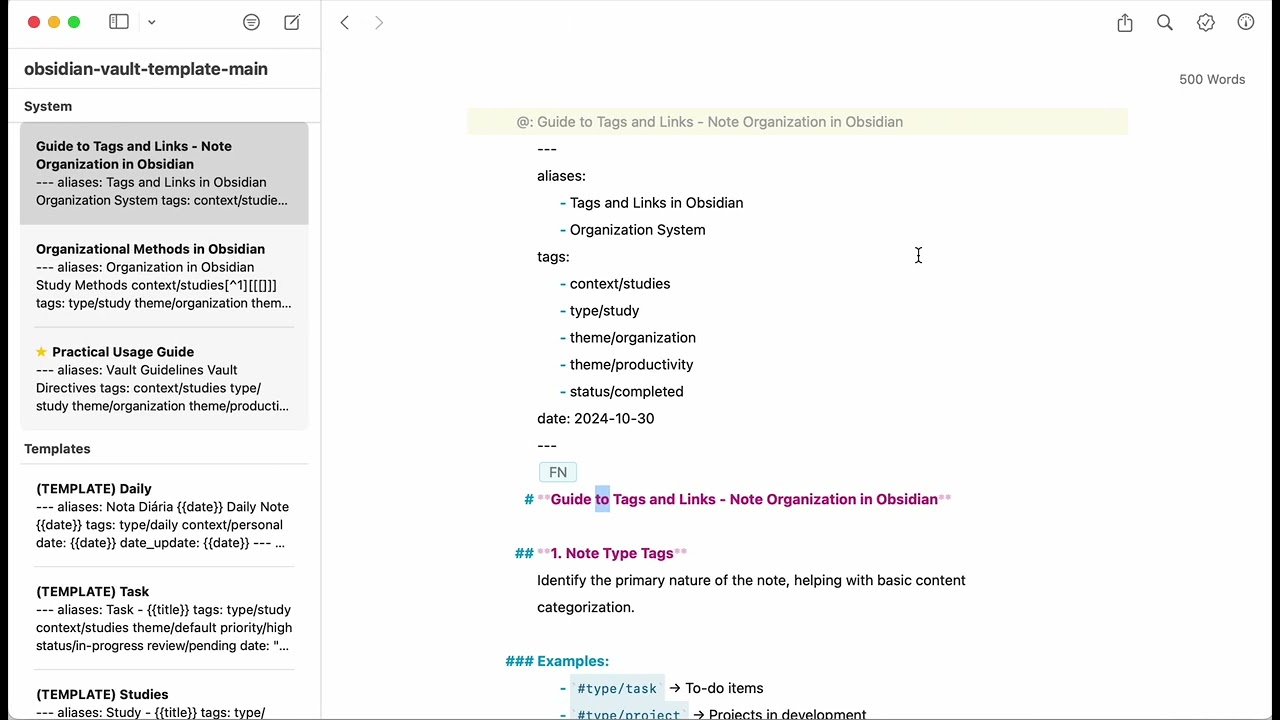
I really like this implementation. I like having a persistent table of contents side bar especially for long notes.
1 Like
On April 22nd, I’ve still been waiting for the miracle to appear, and the world will see the holy brightness of the Fourth Column!
We’d been waiting long enough for even AI to be represented in some way (2.8 Beta). Maybe enlarging functionality to the info panel will be represented too?
Please give us an option to make the info panel a part of the main app body so it could be persistent. This would be so helpful.
3 Likes
I concur. Also: I really wish we were given more to do with the backlinks pane - stuff such as sorting, filtering and search would be such a godsend 