Operation system:
Windows 11 & Mac OS 15.3.2
Web Browser:
Firefox 138.0.1 and Chrome Version 135.0.7049.95
Bug report
What were you doing: Pasting images from clipboard into Bear web notes
What feature did you use: Paste
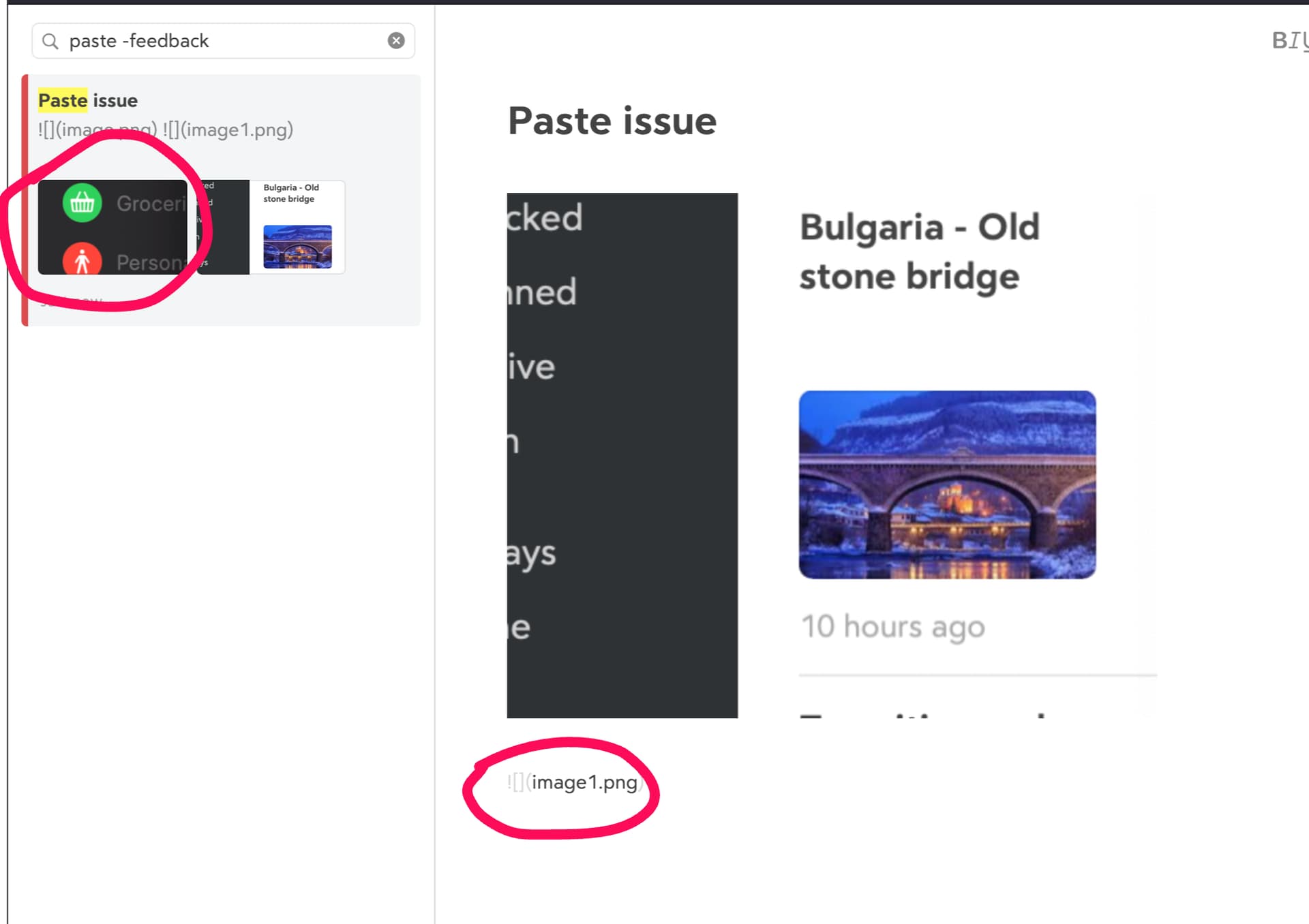
What happened: The first image inserts correctly, and every subsequent image pasted does not show
What did you expect to happen: All images to be pasted in the note correctly
Feedback: Please see the screenshot below. The note thumbnail shows multiple images but the note body only shows the first image, and other images are only displayed as markup