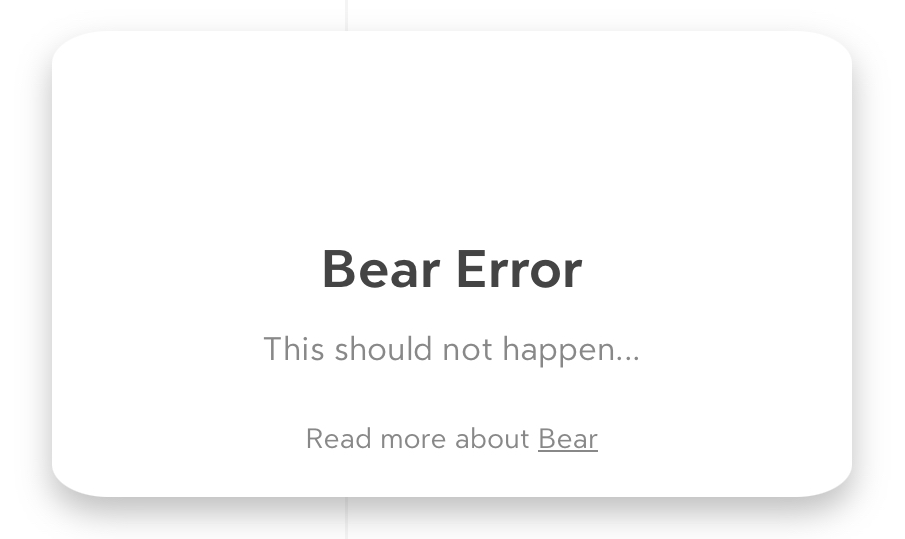
I’m having a similar issue. When it authenticates, the screen flashes with an error to quick to read or capture and it goes right back to the authentication window.
Hi all, thanks for the added info, that’s very useful; we’re still trying to replicate the issue, so that we can then find a solution. Thanks again for patience.
Thanks and wow, congratulation for the fast screenshot skills!
Yes, that’s BearWeb signaling it’s in an inconsistent state before resorting to resetting the session; and that’s due to an unexpected error received from iCloud.
The problem is that I haven’t been able to trick iCloud into returning me that error yet…
Forgive me a naive question: you do have Bear (native) installed on a device with the same Apple ID, right?
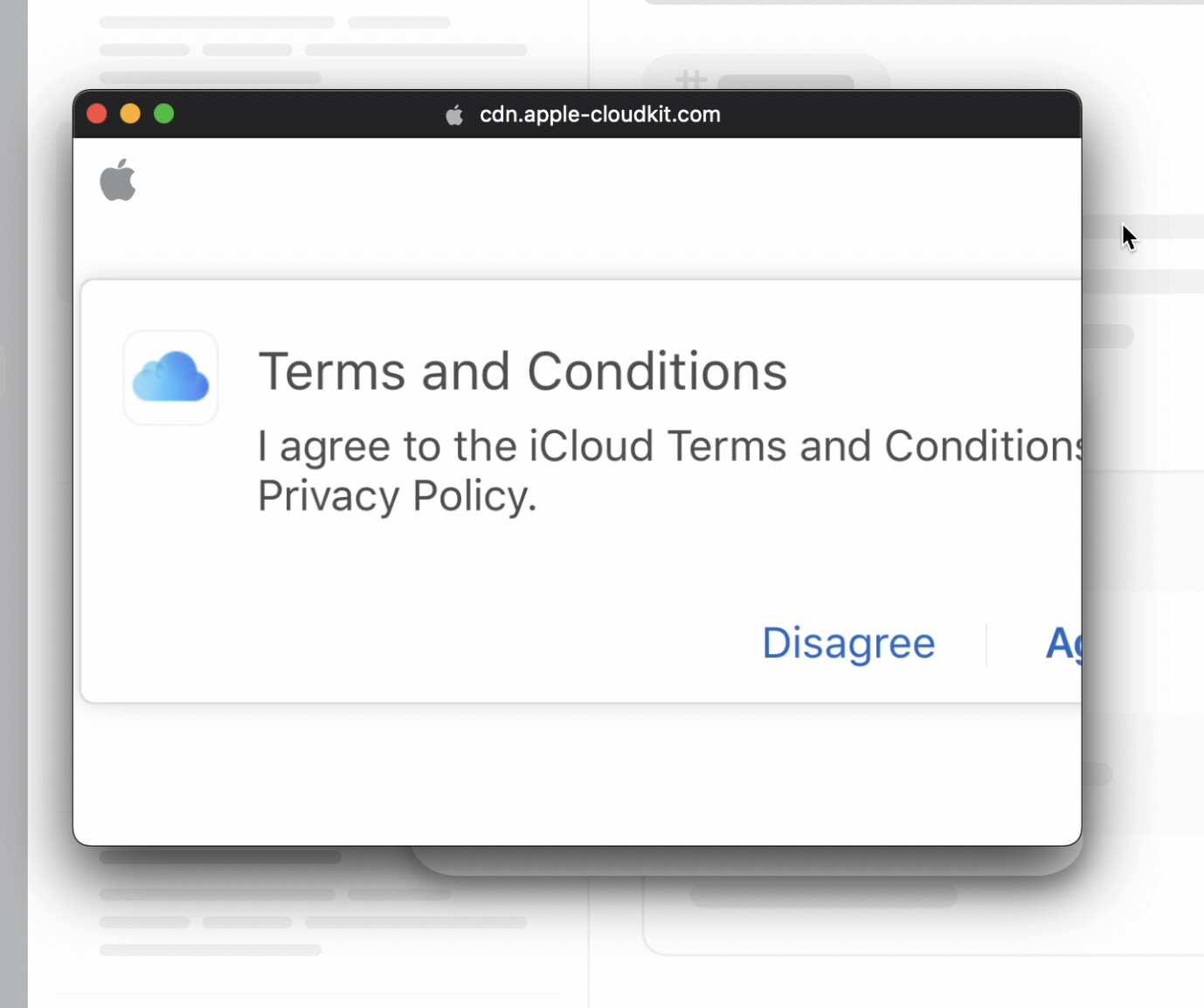
I screen recorded my login because I noticed a flash of a different screen and I was able to capture it in video. I’m seeing a term and conditions for a split second now. I don’t see this logging into iCloud or anywhere else. And it’s only on the screen for a split second so I can’t interact with it.