Thanks to everyone who tested the beta and shared feedback, you helped us shape this release. Now, Callouts are live for all users!
Callout is a clean, colorful way to highlight what matters most: tips, warnings, reminders, or anything that deserves a little spotlight.
Learn more about Callouts and Bear 2.4.5 release:
Thanks again for being part of the Bear community. Update now and explore your way to use Callouts!
iOS App Store Mac App Store
The Bear Team
19 Likes
I liked the feature.
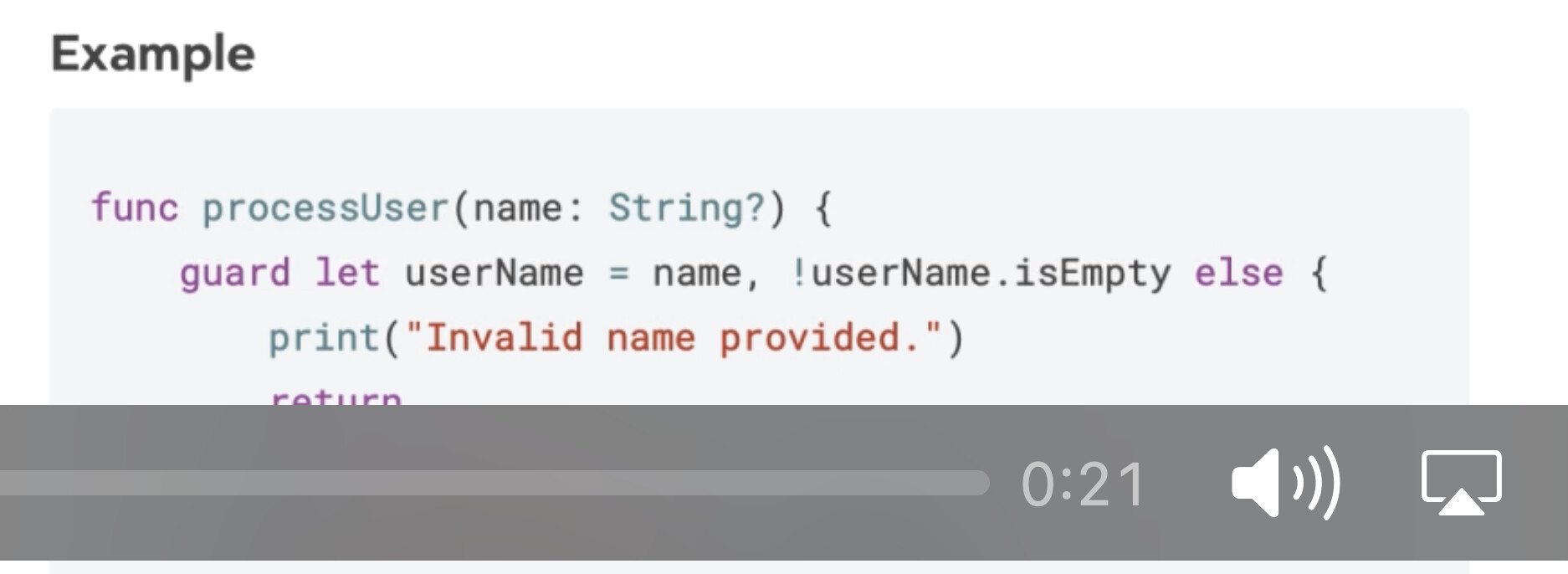
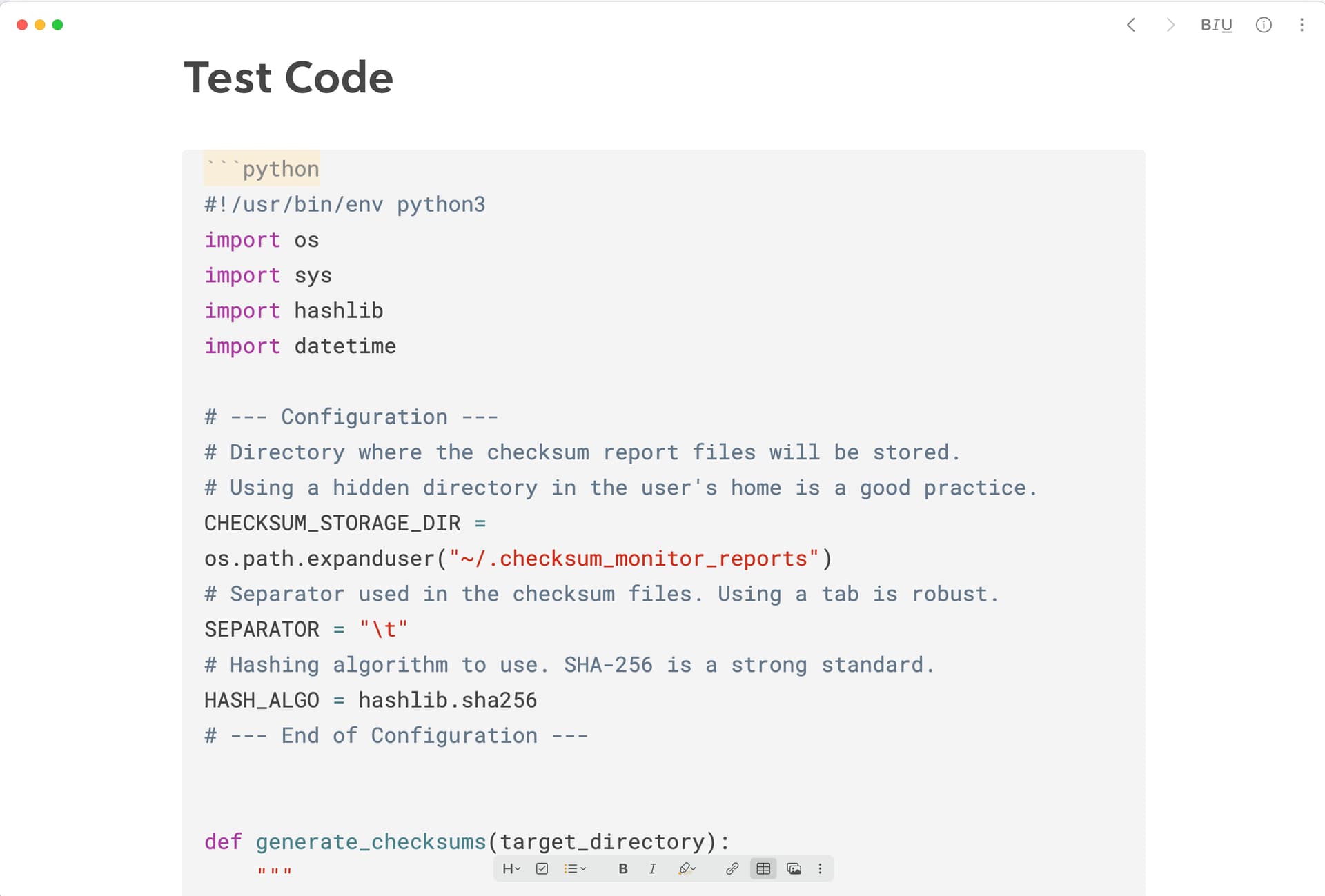
Curiosity: from the video, the code block is full of color. How? Thanks
I thought about deleting my comment, but I figured it would help other noob users like me to just explain how it works (I never knew, LOL).
You can specify the programming language when you type python or swift for example.
The app will then apply colorful syntax pertinent to the chosen language.
Callouts aren’t part of standard Markdown, but they’ve been widely used as a Markdown extension in the wild.
So if I export notes as markdown, and the notes have callouts, these will not render in another markdown editor?
Is this the first Bear feature that is not markdown compatible?
They will render if the app renders callouts, such as Obsidian. Bear uses widely compatible syntax, but be aware that there is no such thing as a Markdown standard, only « flavours » which provide different subsets of features. Anything a little be advanced beyond normal formatting is not guaranteed to always render as expected in every app.
1 Like
krssno
November 30, 2025, 11:31am
6
At least callouts will be rendered as quotes in apps that doesn’t support these callouts.
3 Likes
I was going to suggest rendering them as highlights if not supported, but quotes are fine.
Thanks for the responses