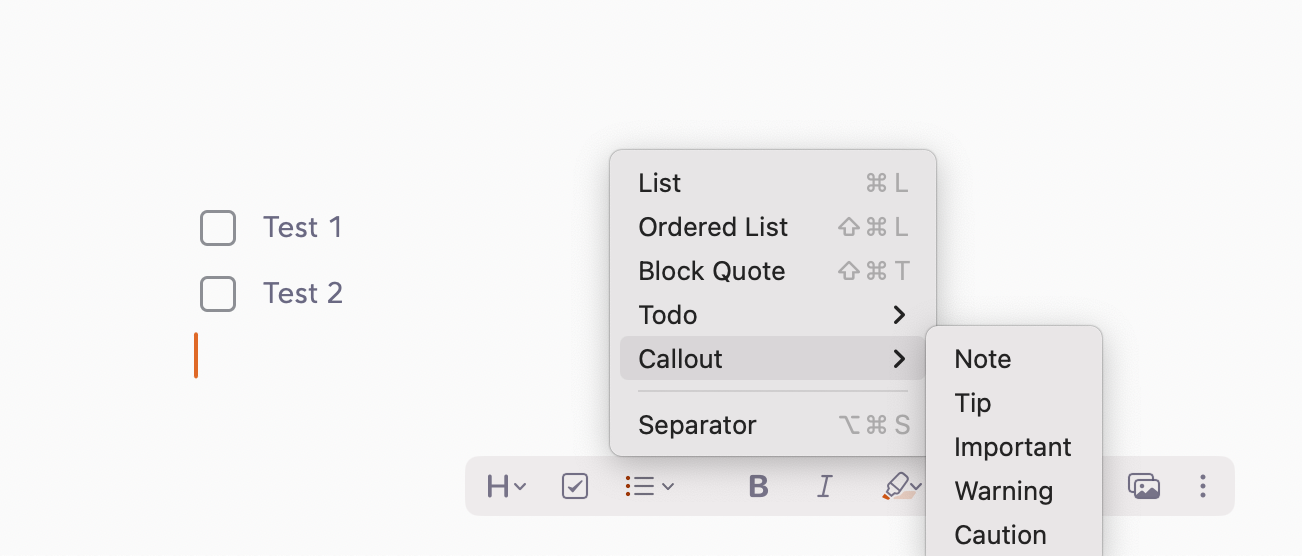
What were you doing: Adding Callout on next line after content
What feature did you use:Callouts
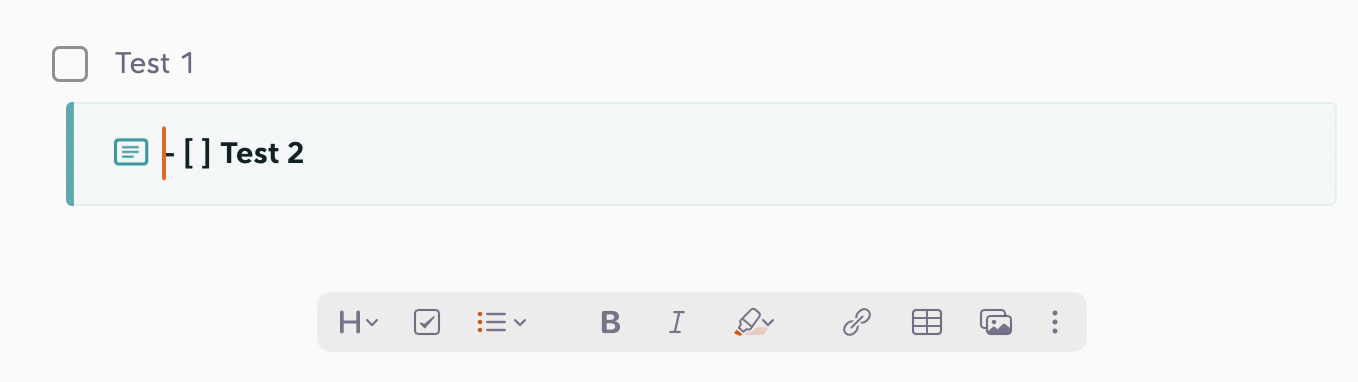
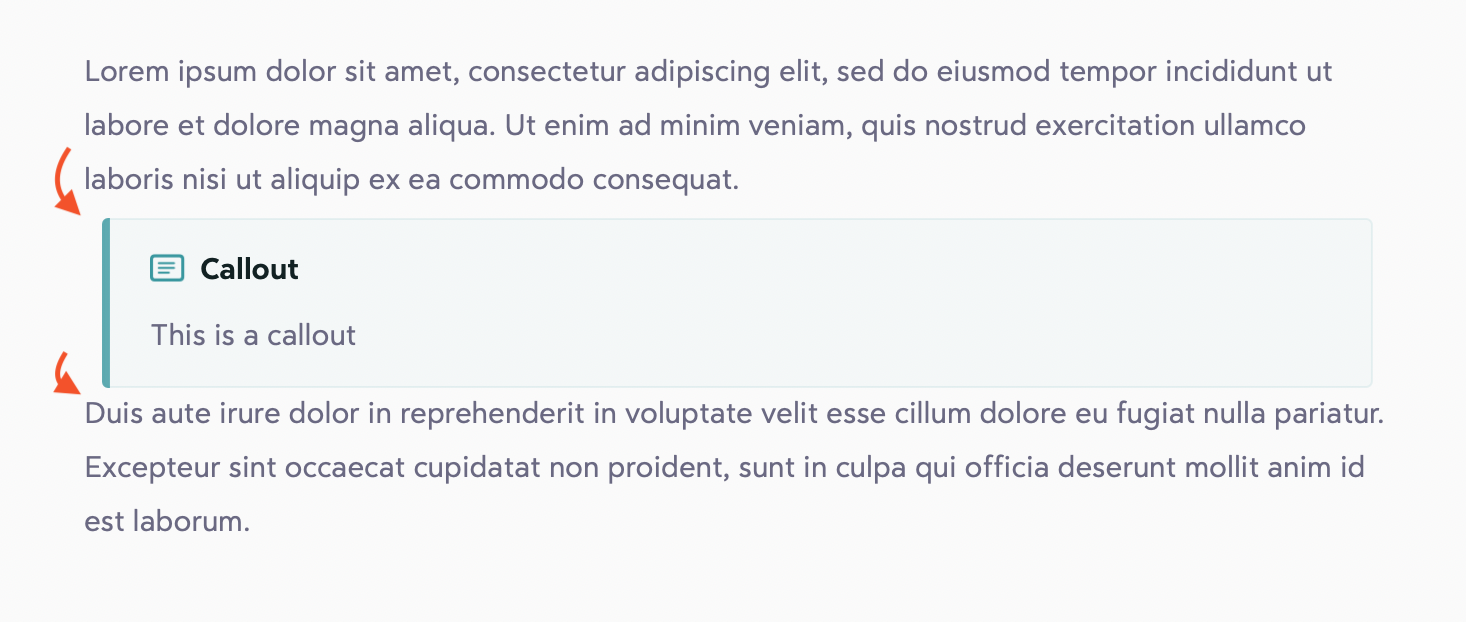
What happened: The callout seems to absorb the line of text above it, even if the cursor is on the line below. Also, the line height after the callout seems to be uneven (maybe half the height?) of the line height above the callout.
What did you expect to happen: I would expect to be able to add a callout on the next line of text without pulling in the text from the line above, and for the line height to be even on both top and bottom of the callout.
Super minor issues, but they’re noticeable enough to be a little distracting.
Could you please check that you’re running the latest App Store version? If you are, would you mind sharing your typography settings? It’s possible something there is affecting how line height is calculated.
I had custom line height values. After I reset those to default values, I was able to see the fix. I played a little bit with line height and I could not reproduce that issue. Maybe the app was in a bad state after updating it.