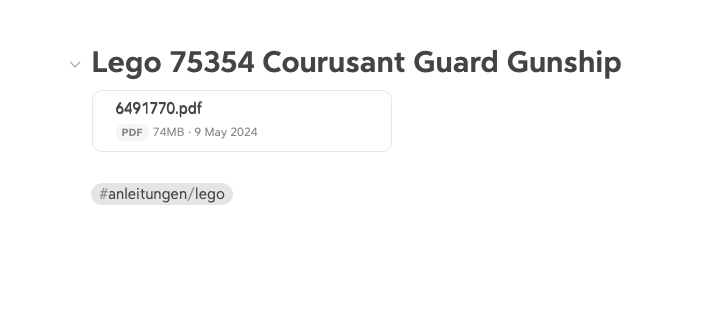
Dragging a PDF to a note shows a kind of “link”. But it does not work. Clicking on the link does not produce any response. The PDF integration looks different in the “Inventory notes” section, and clicking on the corresponding entry downloads the PDF.
Bug report
What were you doing: Drag and Drop different PDF’s from the finder
What feature did you use:
What happened: A kind of Link was created, which looks different to the PDF integration in the existing notes
I have a similar issue with images. I think it has something to do with the name of the file, because if I change it, the problem is solved. In this case, the name of the image (png file) was “imgs%2Fapp%2FLPQTP%2F38mvTsl73w”
Hi, yes that’s a good point. That filename is a full path rather than a filename (it has “/” in it). I am honestly not sure how the web app will respond to that. I’m adding it to the things to check.

 Thx, for the quick response