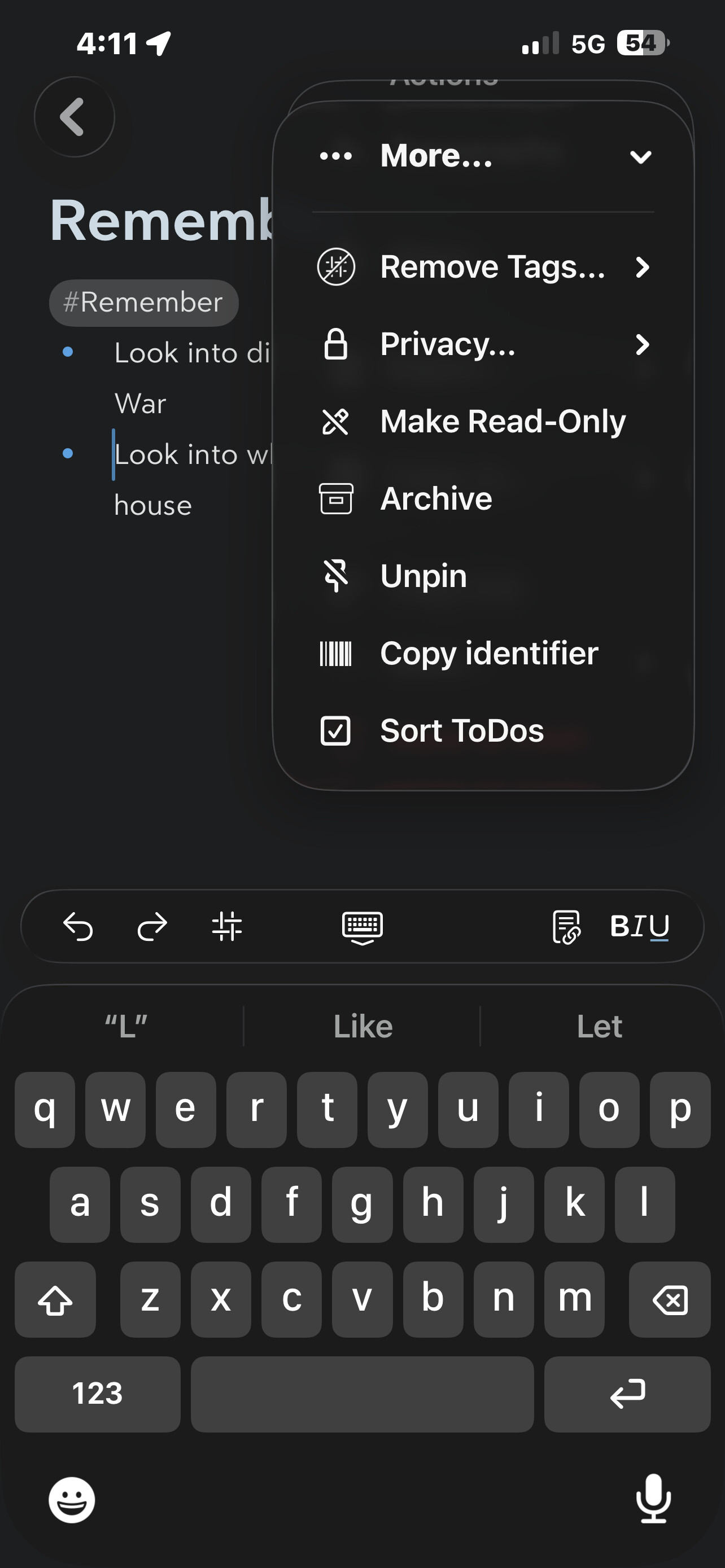
When I click the note setting in the shortcut, it just pops up a search prompt, but the search doesn’t really find any notes…. There is no option to select the note I specified in the get note action.
When I click the note setting in the shortcut, it just pops up a search prompt, but the search doesn’t really find any notes…. There is no option to select the note I specified in the get note action.
If you right-click/long-press on the note field, it should allow you to select the note previously fetched.