Operation system: Mac OS 15.3.1
Web Browser: Chrome 134.0.6998.44
Bug report
What were you doing: Using smaller window sizes
What feature did you use: window scaling
What happened: when you first launch the web app it defaults to Bear Web and when you size your window to a smaller horizontal size the Tags column becomes huge (much wider than any tag). If you click on a note from the Notes column and then scale the window it reverts to only showing the notes column instead of the actual selected note. If you click on a note and then put your cursor in the note then when you scale the window it shows only the editor column
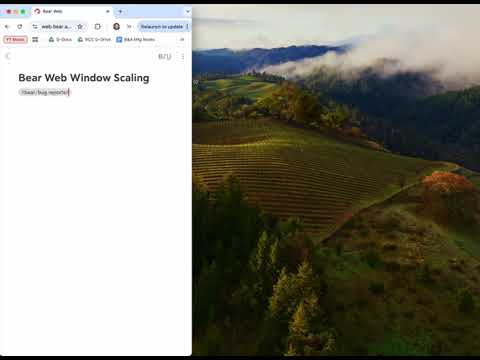
What did you expect to happen: on launch if the window is scaled smaller it would either show both the tags/notes columns or just the notes column (maybe this is a personal preference). If a note has been selected from the notes column and appears in the editor column when the window is scaled it would show only the editor column for the selected note, not revert back to only showing the notes column.
Feedback: it’s possible this is intended functionality, if so I’d suggest at least some tweaks to the automatically resized columns widths. so that the Tags column is never the majority of the window.